


Primeiro Guia do Usuário
Use Seu Glicosímetro Corretamente e Resolva Problemas Comuns
Se você já percebeu que as leituras do seu novo medidor de glicose no sangue às vezes estão imprecisas, isso pode ser devido a erros operacionais sutis, como mãos não lavadas, tiras de teste vencidas ou passos operacionais incorretos.
Como usar os monitores de glicose? Este guia é seu companheiro claro e passo a passo da Sinocare para dominar os testes em casa. Continue lendo para aprender como usar os monitores contínuos de glicose (CGM) e os medidores de glicose no sangue (BGM) da Sinocare.
Selecione um botão abaixo para explorar os produtos CGM ou BGM.

Como usar o CGM?
O glicosímetro contínuo Sinocare iCan CGM contém:
- Um guia rápido de início
- Um pacote transmissor
- Um pacote de sensor.
Todos são para uso único. E ele está emparelhado com nosso aplicativo iCan CGM (baixe na APP Store ou Google Play) para leitura e registro.
Guia de Uso do Monitor Contínuo de Glicose Sinocare iCan
- Baixe o aplicativo iCan CGM no seu telefone e registre uma conta. Escaneie o código QR na etiqueta do Pacote do Sensor ou insira o código SN completo.
- Lave as mãos e desinfete o local de inserção com lenços de álcool.
- Abra a embalagem do sensor, pressione firmemente o Aplicador do Sensor na bandeja (com a marca azul alinhada) até ouvir um clique e ele parar.
- Gire a engrenagem azul do “ícone travado” para o “ícone destravado” até ouvir um clique.
- Levante verticalmente o Aplicador do Sensor armado e posicione-o sobre o local de inserção, então pressione o botão do meio até ouvir o som da injeção.
- O transmissor se conectará ao aplicativo, e você poderá iniciar o sensor.
Perguntas Frequentes
1. Onde o sensor CGM deve ser colocado?
Os locais preferidos são a parte externa do braço superior e o abdômen (áreas aproximadamente 5 cm ao lado do umbigo). Essas áreas possuem tecido adiposo subcutâneo estável e mínima interferência, proporcionando dados mais precisos.
Fatores a Evitar:
- Músculos e Ossos: Evite colocá-lo sobre áreas musculares, próximo a ossos ou em dobras da pele.
- Cicatrizes, Sinais e Tatuagens: Evite pele com cicatrizes, sinais, caroços, inflamações ou tatuagens.
- Áreas de Atrito com Roupas: Evite locais onde cintos, bordas de roupas íntimas ou outras roupas possam causar atrito ou pressão frequente durante as atividades diárias.
- Locais de Injeção de Insulina: Mantenha uma distância de pelo menos 5 cm de qualquer local de injeção de insulina.
2. O que devo fazer se o sensor cair?
O Sinocare iCan i3 CGM é projetado para uso único. Se seu sensor estiver parcialmente ou completamente destacado, ele não poderá monitorar a glicose no sangue com precisão e não deve continuar sendo usado. Isso também previne possíveis infecções causadas pela contaminação do sensor.
Remova o sensor destacado. Limpe e seque completamente o novo local de inserção, garantindo que esteja livre de óleos ou resíduos. Em seguida, siga as orientações no aplicativo para instalar um novo sensor.
Analise a causa do destaque, como suor excessivo, impacto, atrito, etc., e tome precauções para evitar problemas semelhantes durante o uso futuro.
3. O Sinocare iCan CGM é à prova d'água?
Sim. O sensor Sinocare iCan CGM possui classificação à prova d'água IP28. Pode ser usado por até 2 horas a uma profundidade de 2,5 metros. Banho e natação são permitidos.
No entanto, por favor, observe:
- Não use o dispositivo durante atividades que envolvam submersão prolongada ou alta pressão da água, como mergulho.
- Ao tomar banho, também é aconselhável minimizar o impacto direto prolongado da água no sensor.
- Após qualquer atividade relacionada à água, recomenda-se secar suavemente a superfície do dispositivo.
4. Por que não estou recebendo alertas de glicose no sangue?
O aplicativo iCan CGM pode ser configurado para alertá-lo sobre níveis altos/baixos de açúcar no sangue por meio de som ou mensagens. Se você não está recebendo alertas ou os está recebendo com muita frequência, verifique o seguinte:
- Certifique-se de que os alertas de “glicose alta” e “glicose baixa” estejam ativados e que as configurações de limite estejam adequadas.
- Garanta que o aplicativo tenha permissão para rodar em segundo plano no seu telefone e que não esteja sendo fechado forçadamente pelo “Modo de Economia de Energia”. Além disso, verifique se seu telefone não está no modo silencioso, Não Perturbe ou modo avião.
- Verifique se o sinal entre o transmissor e seu telefone foi interrompido.
- Confira se o transmissor está com mau funcionamento.
5. O que devo fazer se o sinal de conexão for perdido?
Quando o aplicativo mostrar uma interrupção na conexão, siga estes passos para solucionar o problema:
- Distância: Certifique-se de que o telefone e o transmissor estejam a até 6 metros de distância.
- Bluetooth: Verifique se o Bluetooth do seu telefone está ligado. Tente desligá-lo temporariamente e ligá-lo novamente nas configurações de Bluetooth do seu telefone.
- Água: Uma grande quantidade de água pode interferir temporariamente no sinal. Seque a área e aguarde um momento.
- Pressão: Pressão prolongada no sensor pelo seu corpo (como ao deitar de lado) pode afetar a transmissão do sinal. Ajuste sua posição.
Tente reiniciar ou reconectar o aplicativo CGM. Se o problema persistir, entre em contato com o atendimento ao cliente.
6. Como Descartar Corretamente os Dispositivos CGM Usados?
Por favor, não descarte os dispositivos CGM usados de forma descuidada. Eles são considerados resíduos médicos e devem ser descartados corretamente de acordo com as regulamentações locais. Você pode consultar seu médico ou sua equipe de saúde para orientação sobre o método correto de descarte.
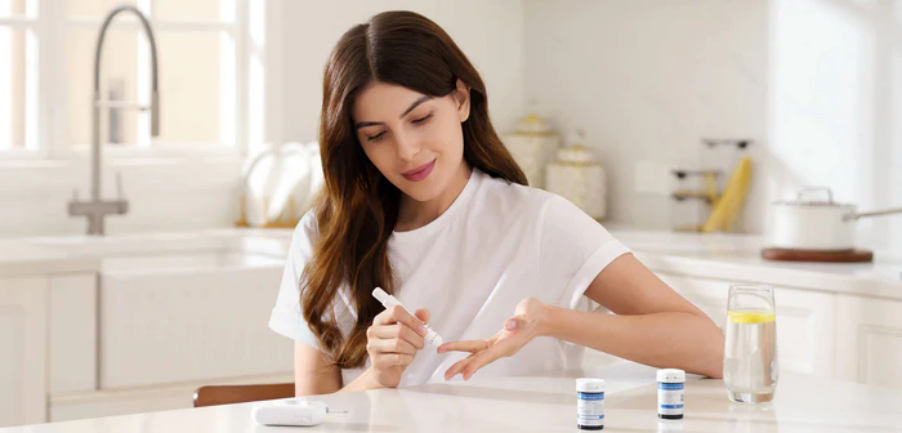
Como usar BGM?
O kit de glicosímetro Sinocare inclui:
- Um glicosímetro
- Tiras de teste
- Um dispositivo de lanceta
- Lancetas
Testar a glicose em casa com um BGM oferece uma visão precisa do seu nível de açúcar no sangue a qualquer momento. Como usar glicosímetros?
Quando testar seu nível de glicose no sangue?




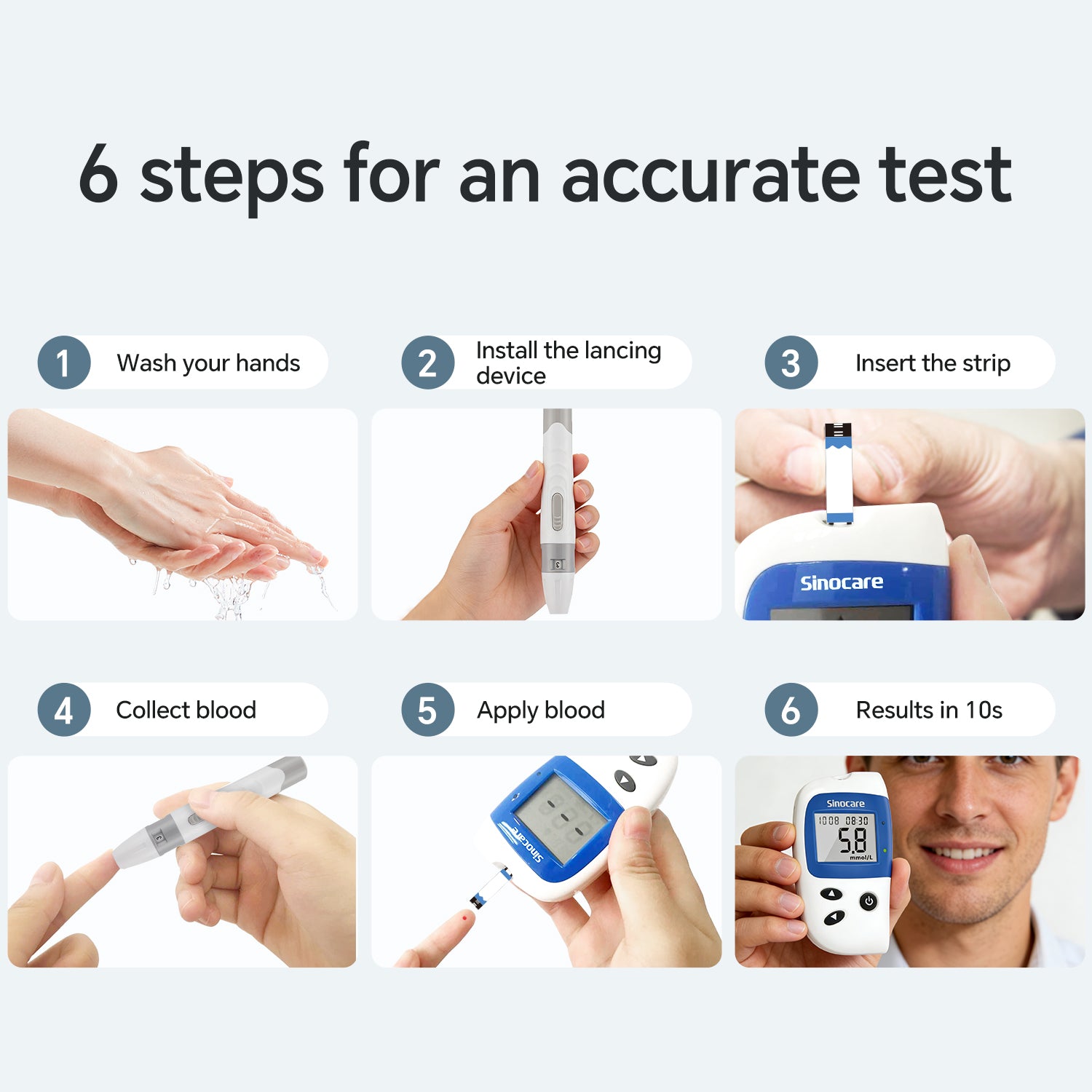
Guia Passo a Passo
- Lave as mãos e seque-as completamente. Então, como usar uma lanceta de sangue? Remova a tampa do dispositivo de punção, insira uma nova lanceta e ajuste a profundidade da punção.
- Insira uma nova tira de teste no glicosímetro. Ele ligará automaticamente.
- Desinfete seu dedo com um algodão embebido em álcool. Pressione o dispositivo de punção preparado contra o lado do seu dedo para coletar sangue.
- Para melhorar a precisão, limpe a primeira gota de sangue e coloque a segunda gota no canal absorvente da tira. O glicosímetro mostrará o valor da glicose no sangue em segundos.
- Pressione o ejetor da tira para ejetar automaticamente a tira testada.
Guia para Escolher as Tiras de Teste Corretas para um Glicosímetro
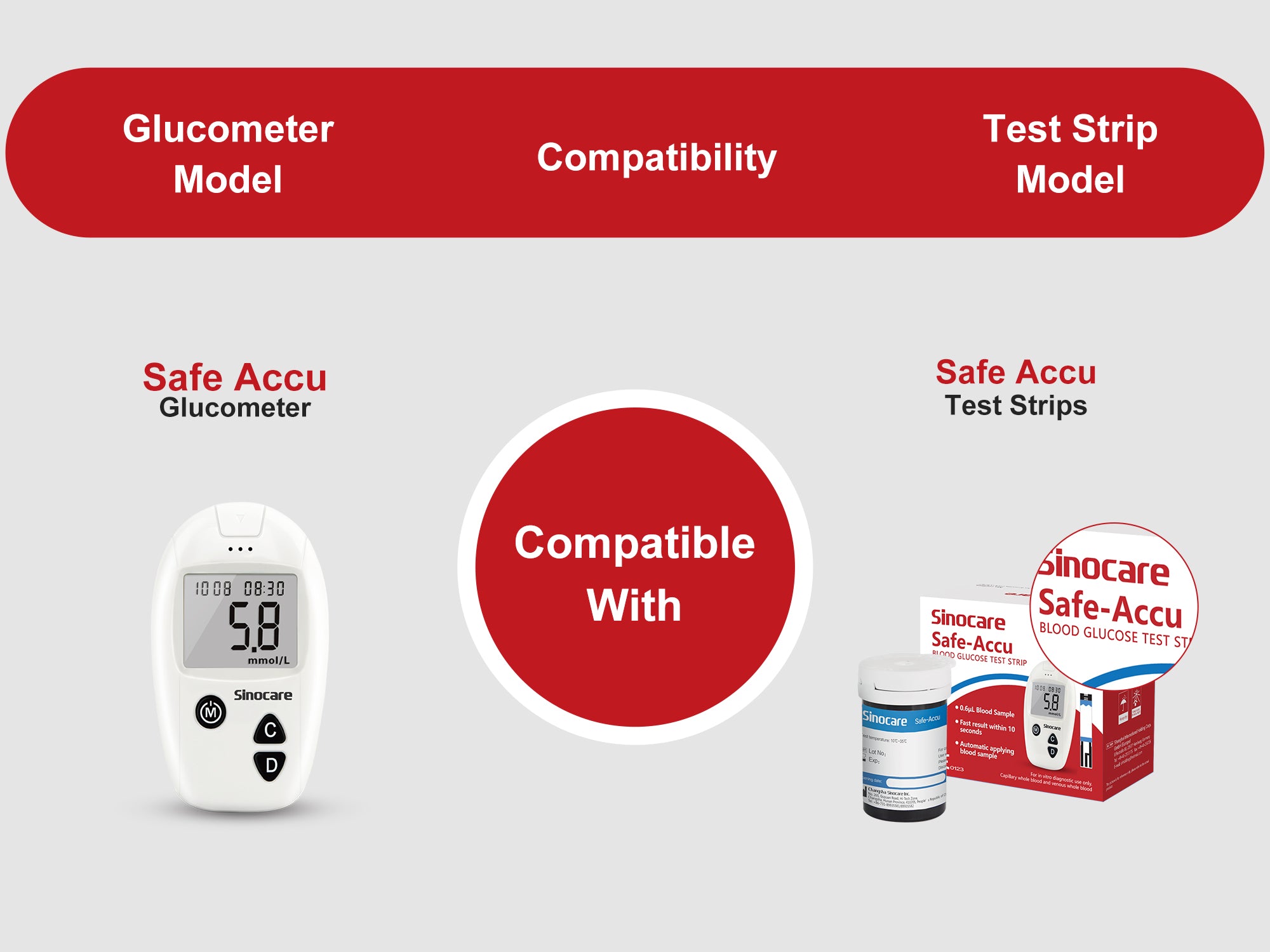
Escolhendo a tira de teste correta para medidor de glicose no sangue
O uso diário de um medidor de glicemia é certamente uma boa escolha e também uma necessidade para pessoas com diabetes, pois permite verificar como o corpo reage ao longo do dia, sendo também útil ...
Perguntas Frequentes
1. Posso usar tiras de teste vencidas?
Não. A atividade enzimática nas tiras de teste vencidas diminui, o que pode levar a leituras imprecisas de glicose no sangue. Isso pode prejudicar seu tratamento e causar ansiedade desnecessária. Recomenda-se verificar a data de validade das tiras de teste antes de cada uso.
2. Por que a leitura da minha glicose no sangue está imprecisa?
- Resíduo de açúcar ou álcool no dedo.
- O frasco da tira de teste não estava bem fechado, causando exposição à umidade, calor ou luz solar direta, levando à deterioração da tira de teste.
- Tiras de teste vencidas, dobradas ou danificadas.
- Inserção incorreta da tira de teste.
- Amostra de sangue insuficiente.
- Contaminação dentro do glicosímetro.
- Mãos frias, que reduzem o fluxo sanguíneo, podem resultar em uma leitura mais baixa.
3. Por que meu medidor de glicose no sangue não liga?
A bateria pode estar descarregada e precisar ser substituída. Se o dispositivo ainda não responder após a troca da bateria, ele pode estar danificado.
4. Por que eu não devo apertar meu dedo?
A pressão excessiva no dedo pode fazer com que o fluido intersticial se misture com o sangue, diluindo a concentração de glicose no sangue total e levando a resultados de medição artificialmente baixos.
5. O que devo fazer se a leitura estiver anormalmente alta/baixa?
Se a leitura estiver significativamente diferente do esperado, você pode refazer o teste imediatamente com uma nova amostra de sangue.
Verifique se houve algum erro operacional ou se as tiras de teste estão dentro do prazo de validade.
Em caso de dúvida, visite uma clínica ou hospital para realizar outro teste em um horário semelhante. Se a leitura for confirmada como precisa, isso indica flutuações extremas de glicose no sangue em seu corpo. Consulte um profissional de saúde e procure atendimento médico imediatamente.
Dicas de Uso Diário
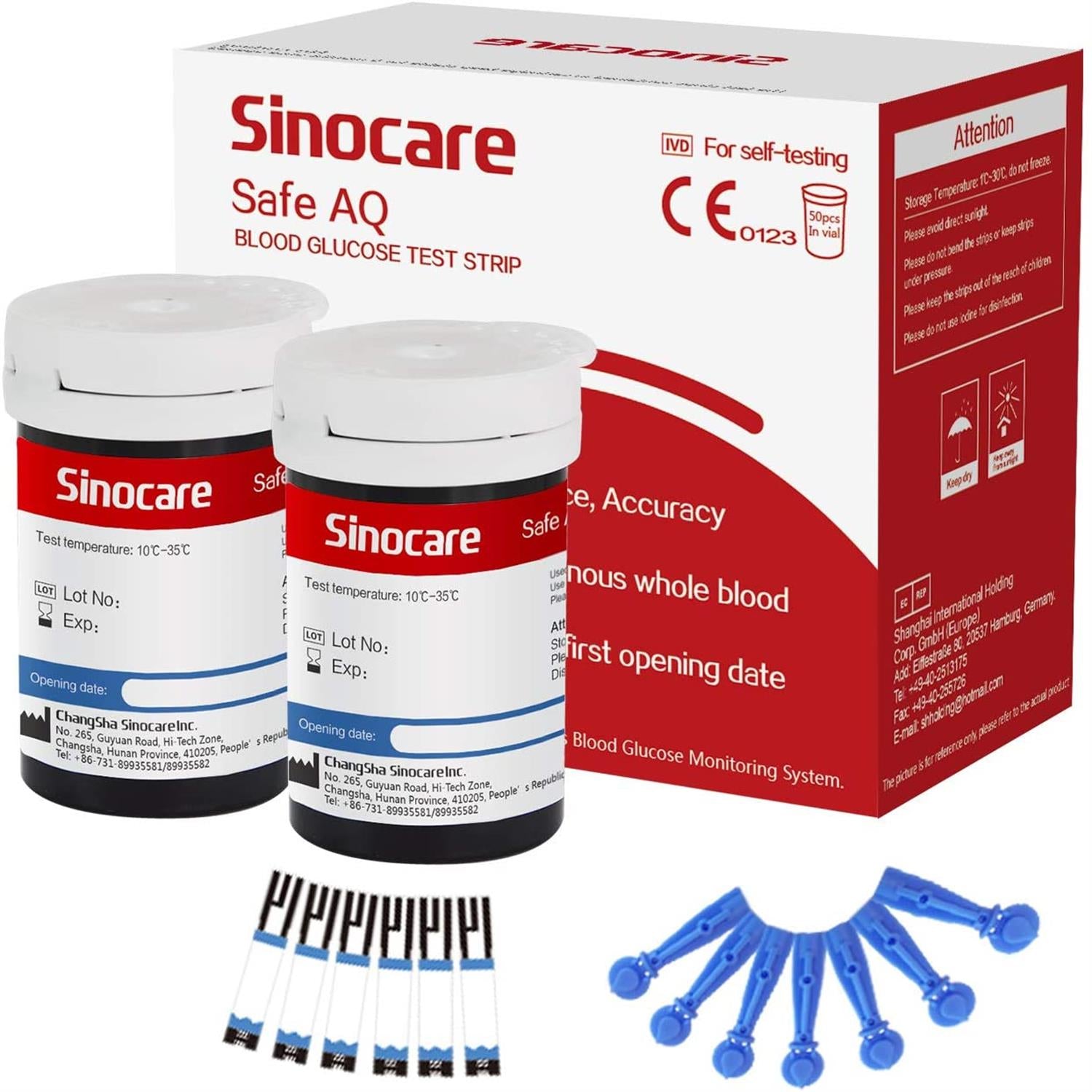
Armazenamento de Tiras de Glicose
- Armazene o frasco de tiras de teste em um local fresco e seco, evitando umidade, altas temperaturas ou refrigeração.
- Feche o frasco imediatamente após remover uma nova tira de teste.

Limpeza do Glicosímetro
- Limpe suavemente o glicosímetro com um pano macio e levemente úmido.
- Limpe cuidadosamente a entrada da tira de teste com um cotonete seco.
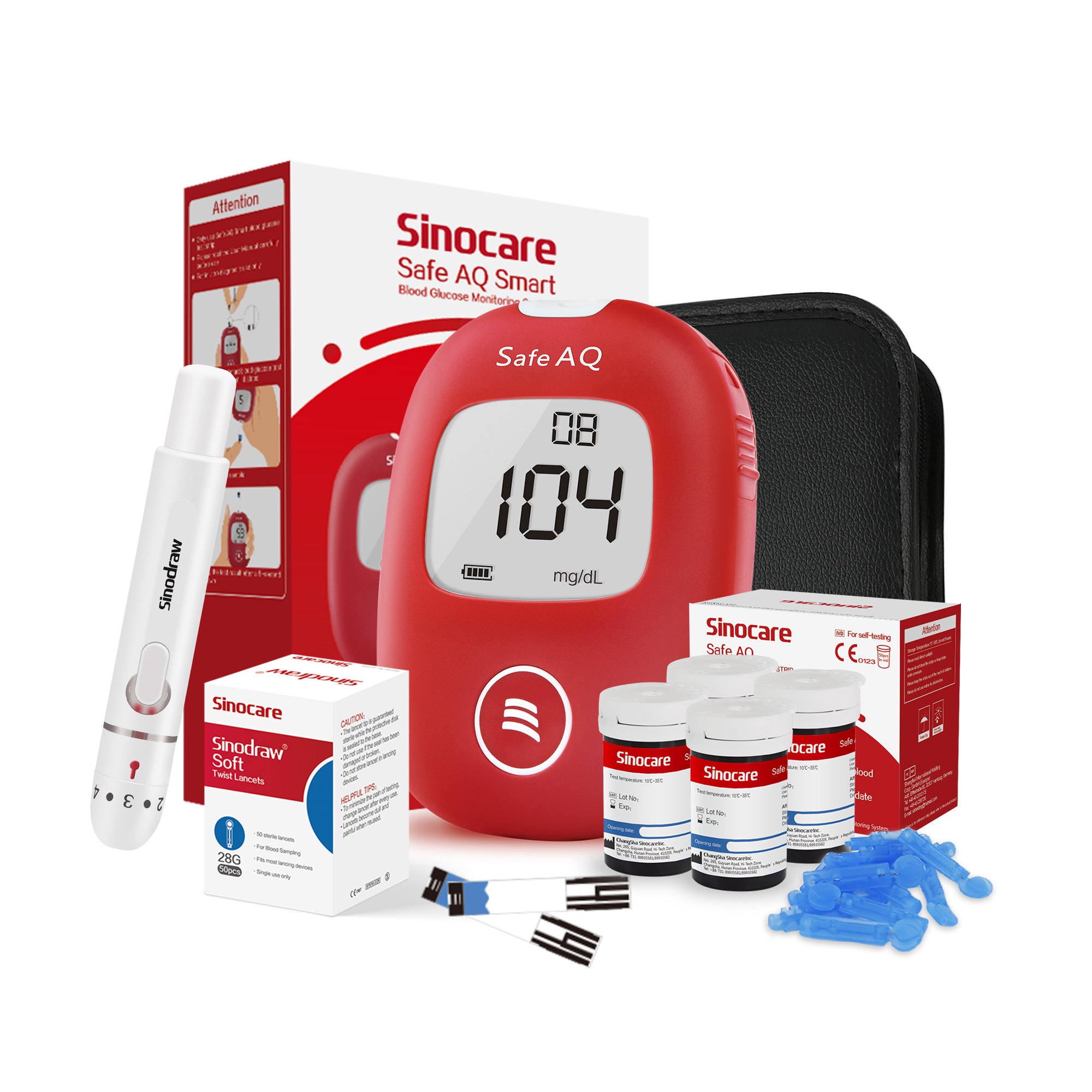
Bateria e Armazenamento
- Substitua a bateria quando o indicador de bateria fraca aparecer.
- Se o medidor de glicose no sangue não for usado por um longo período, remova a bateria.
Blogs de Saúde

Como o sistema endócrino se relaciona com o diabetes?
Descubra como o sistema endócrino regula o açúcar no sangue e sua relação com o diabetes. Saiba como a insulina, o glucagon e outros hormônios afetam os níveis de glicose, o que causa as variações ...
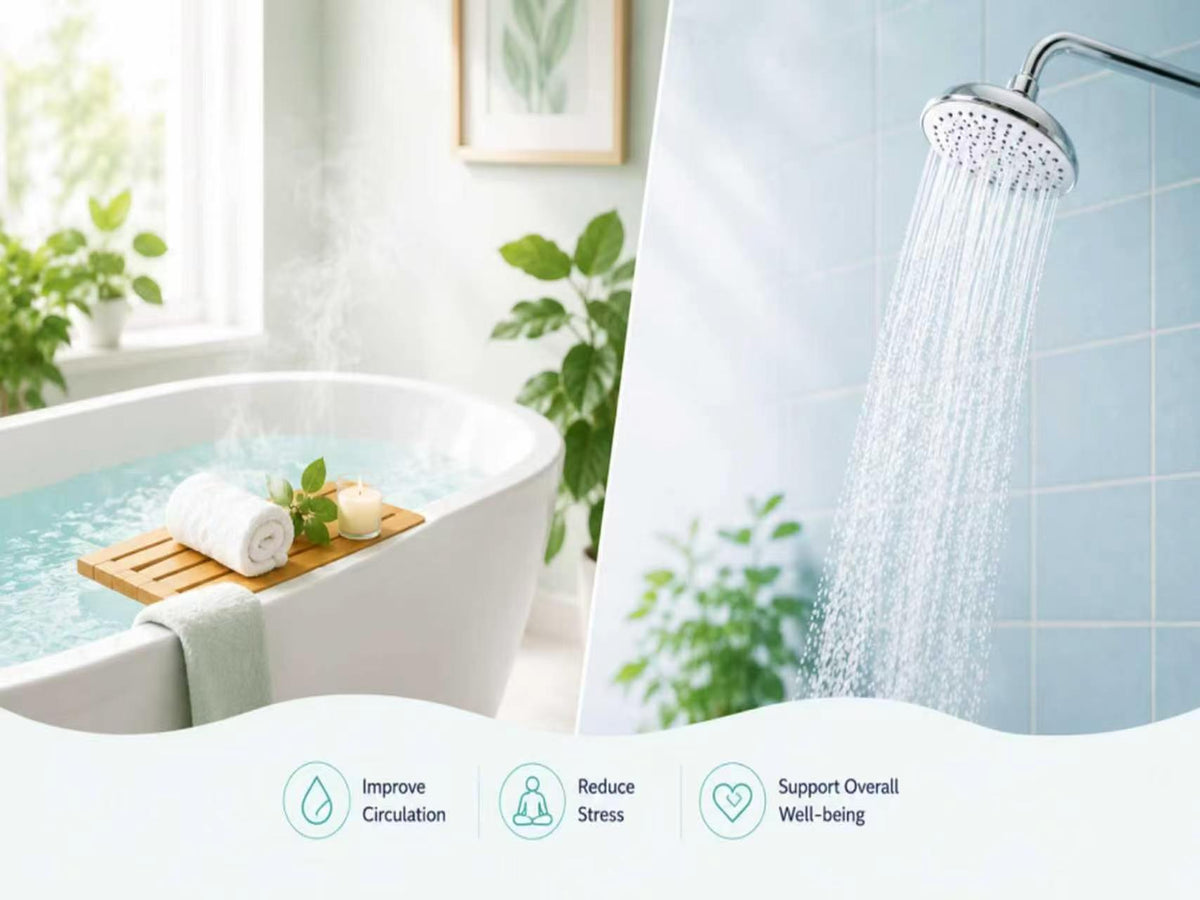
Como banhos de imersão e chuveiros afetam os níveis de açúcar no sangue de pessoas com diabetes?
Banhos de imersão e chuveiros podem afetar os níveis de açúcar no sangue de pessoas com diabetes? Saiba como a água quente, a desidratação e a absorção de insulina podem causar oscilações na glicos...
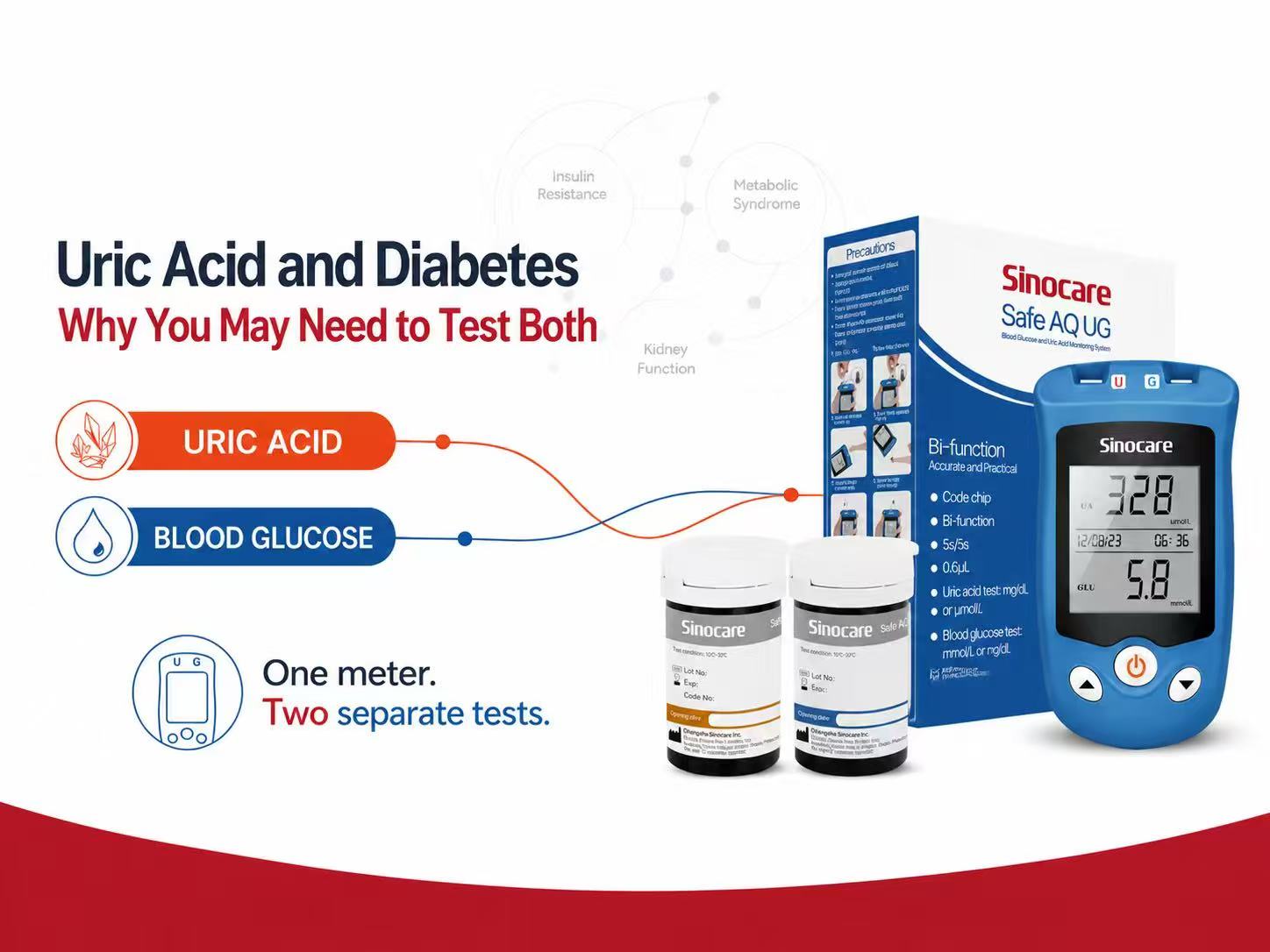
Ácido úrico e diabetes: por que talvez seja necessário testar ambos
Uma crise de gota pode ser dolorosa, mas também pode indicar um problema metabólico mais profundo? Descubra a relação entre gota, ácido úrico e diabetes e saiba quando pode ser útil verificar tanto...