





Sinocare KUG-12 Bluetooth 3-in-1 Blood Ketone, Glucose & Uric Acid Meter Kit with Test Strips
Available Countries Drop-down
Available in the UK & EU Countries (Excluding the US)
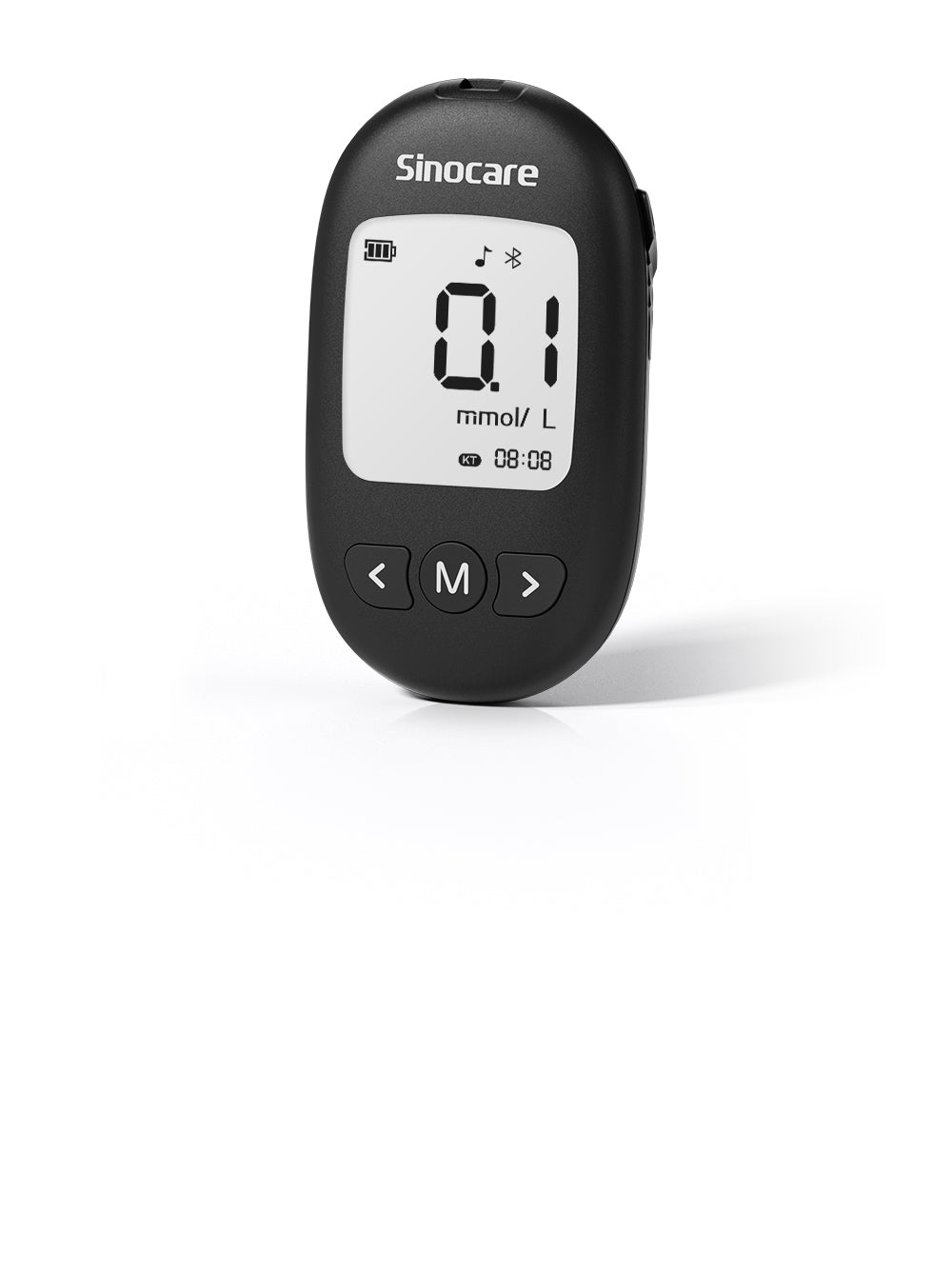
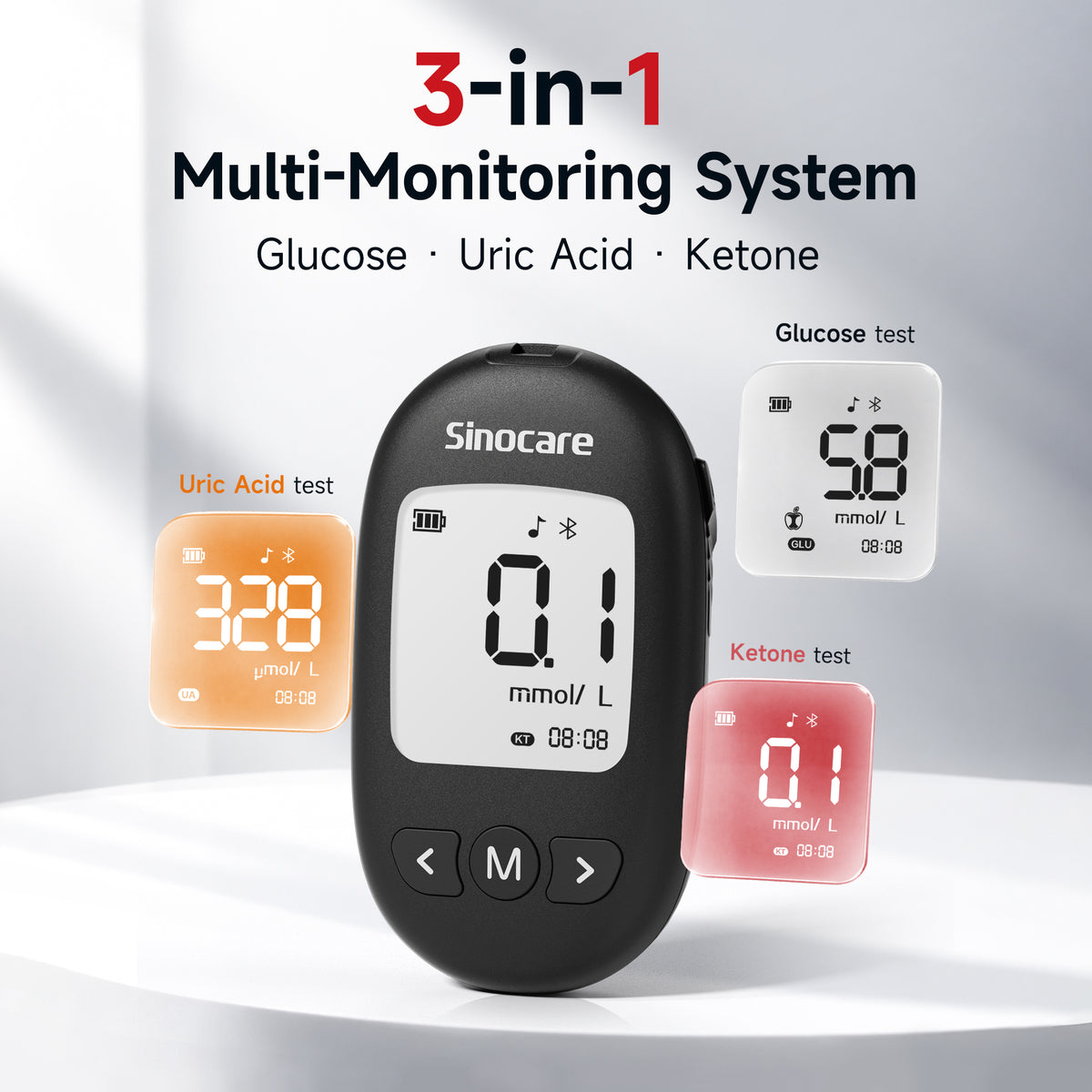
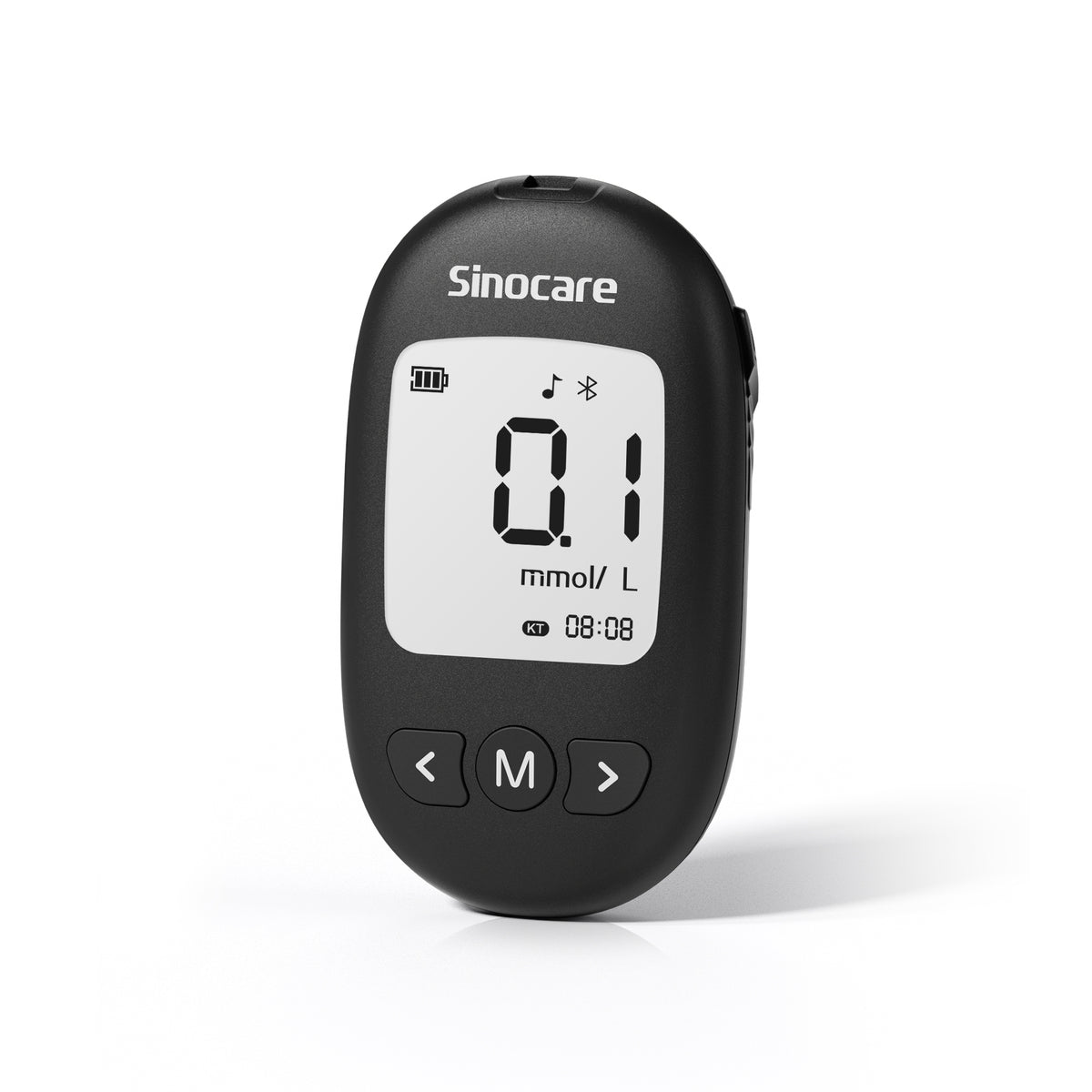
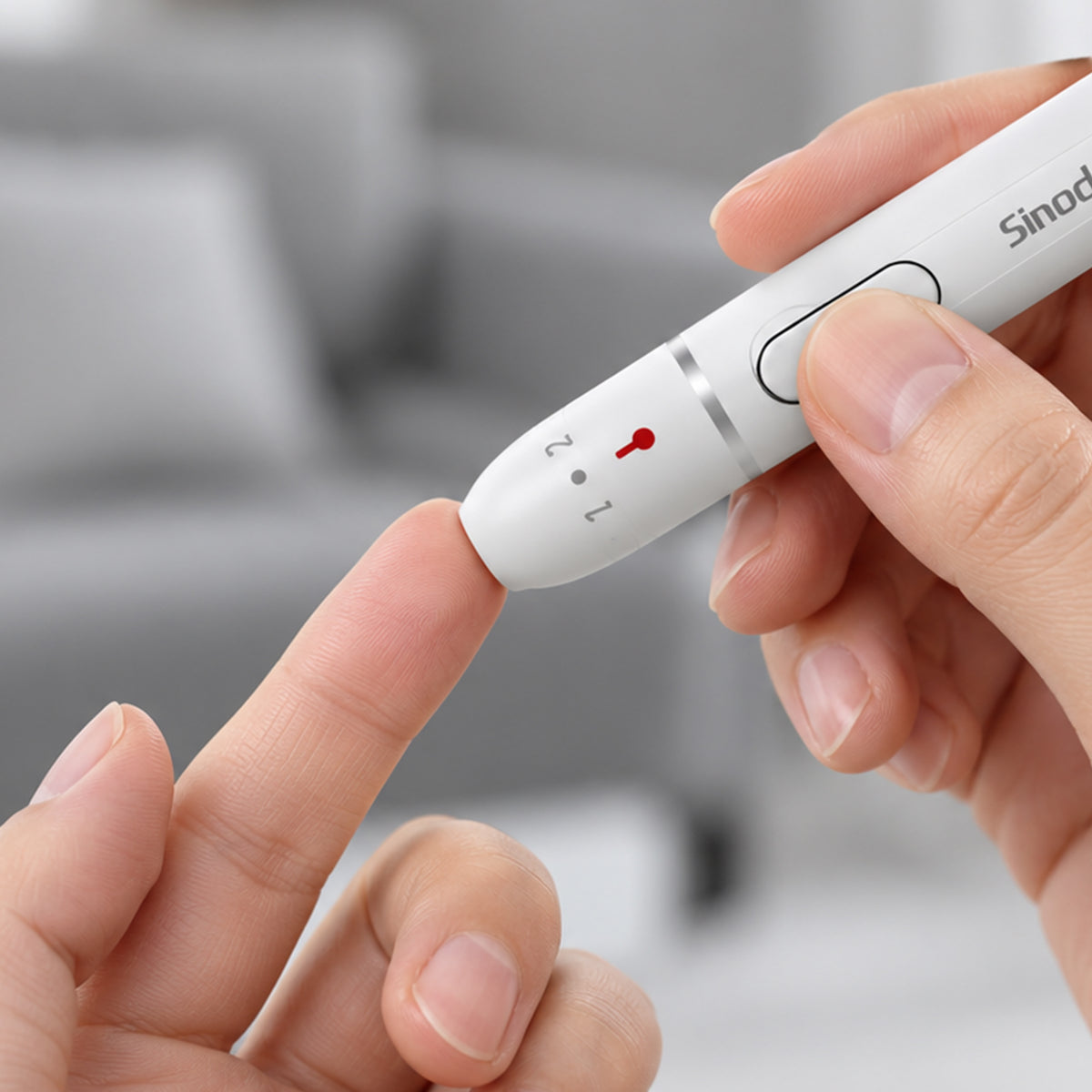
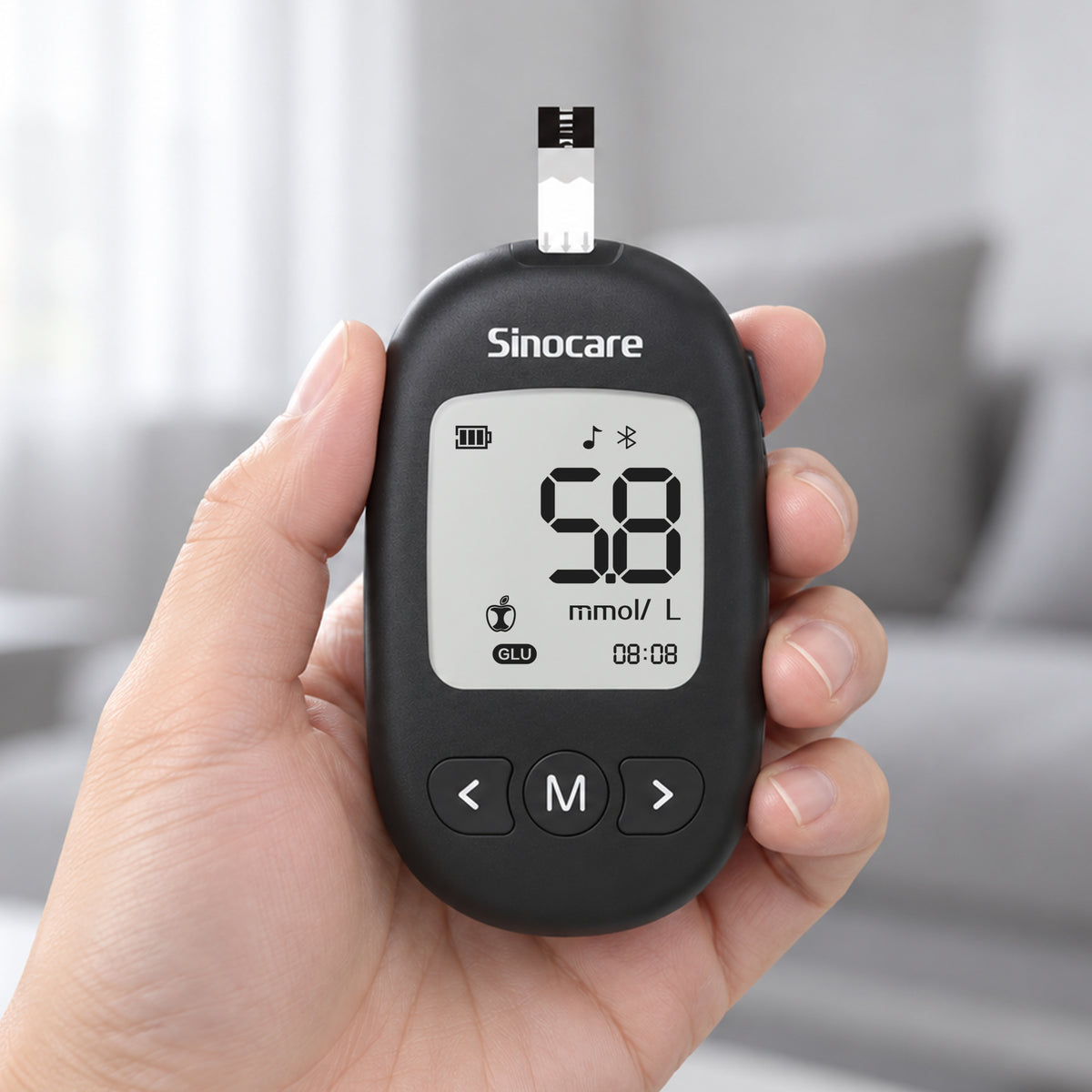
- 3-in-1 Bluetooth Meter – Measures blood glucose, blood ketones and uric acid with one compact meter and Bluetooth connectivity.
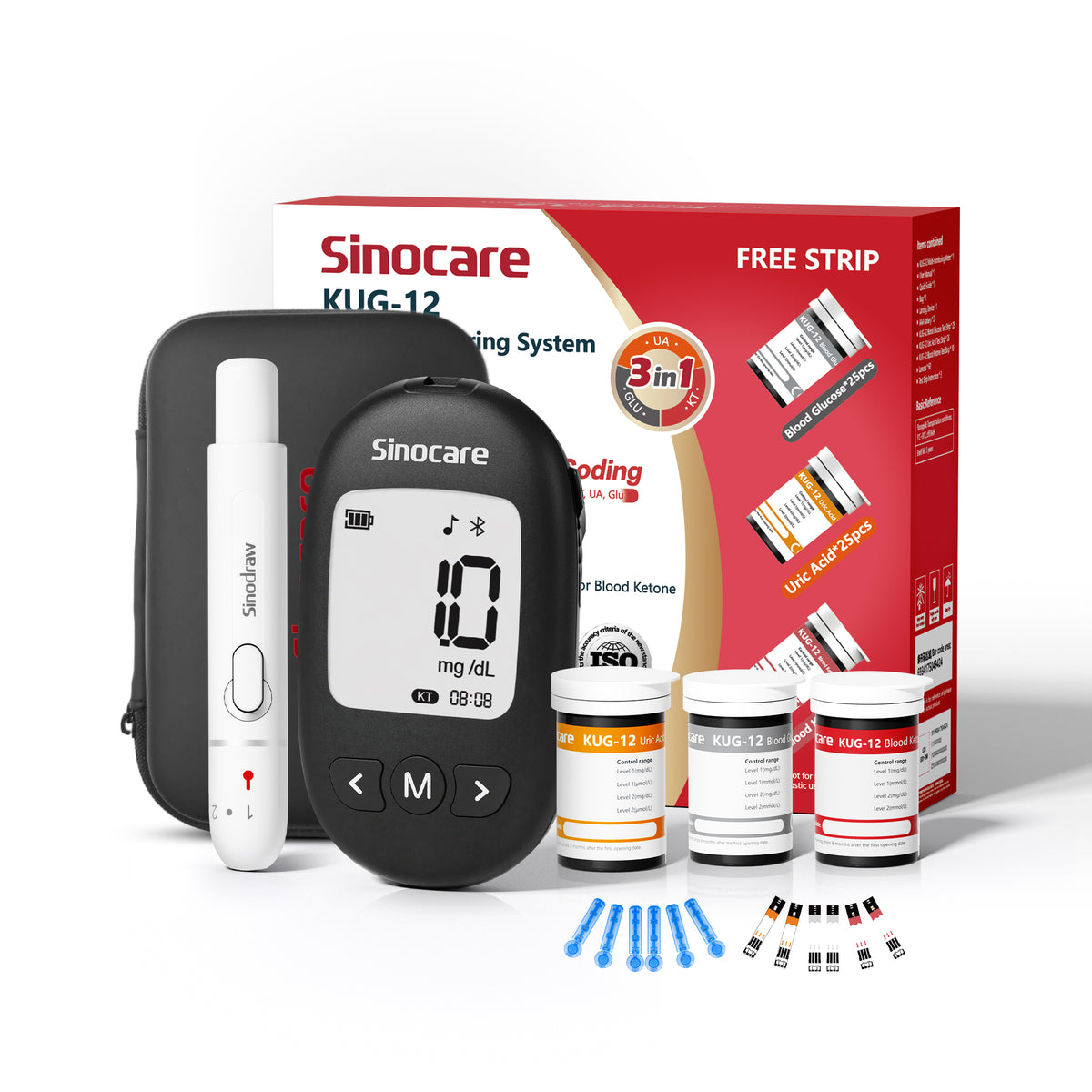
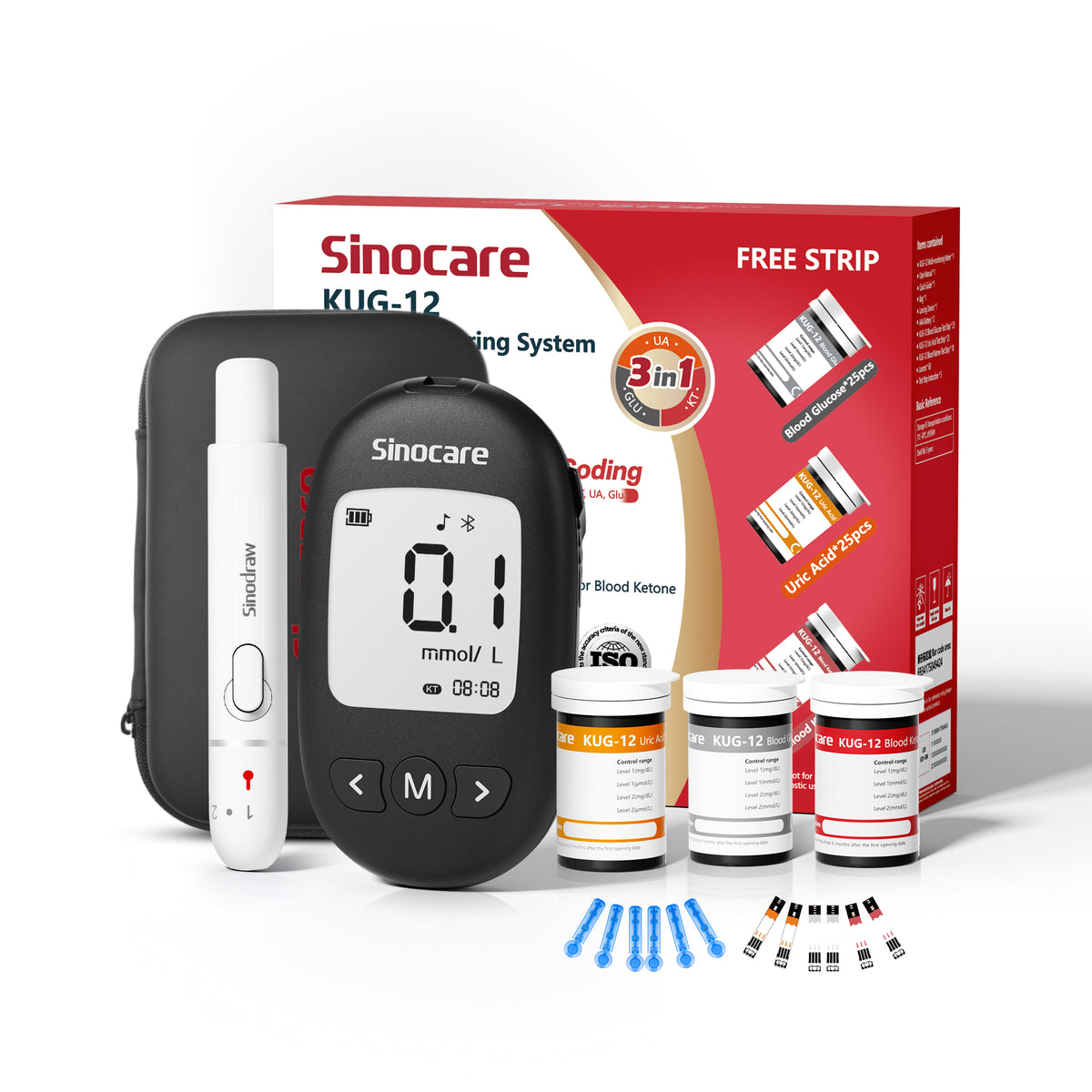
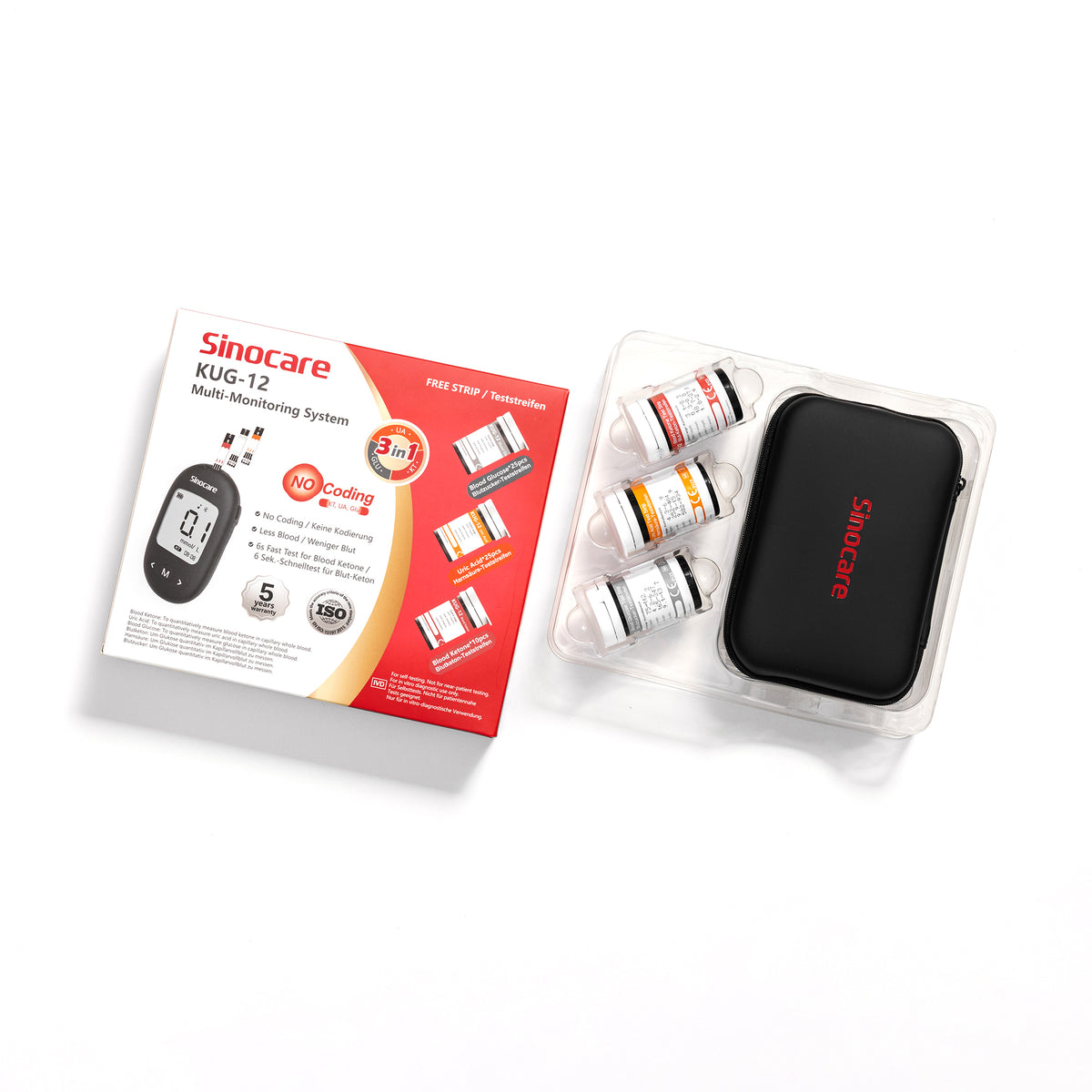
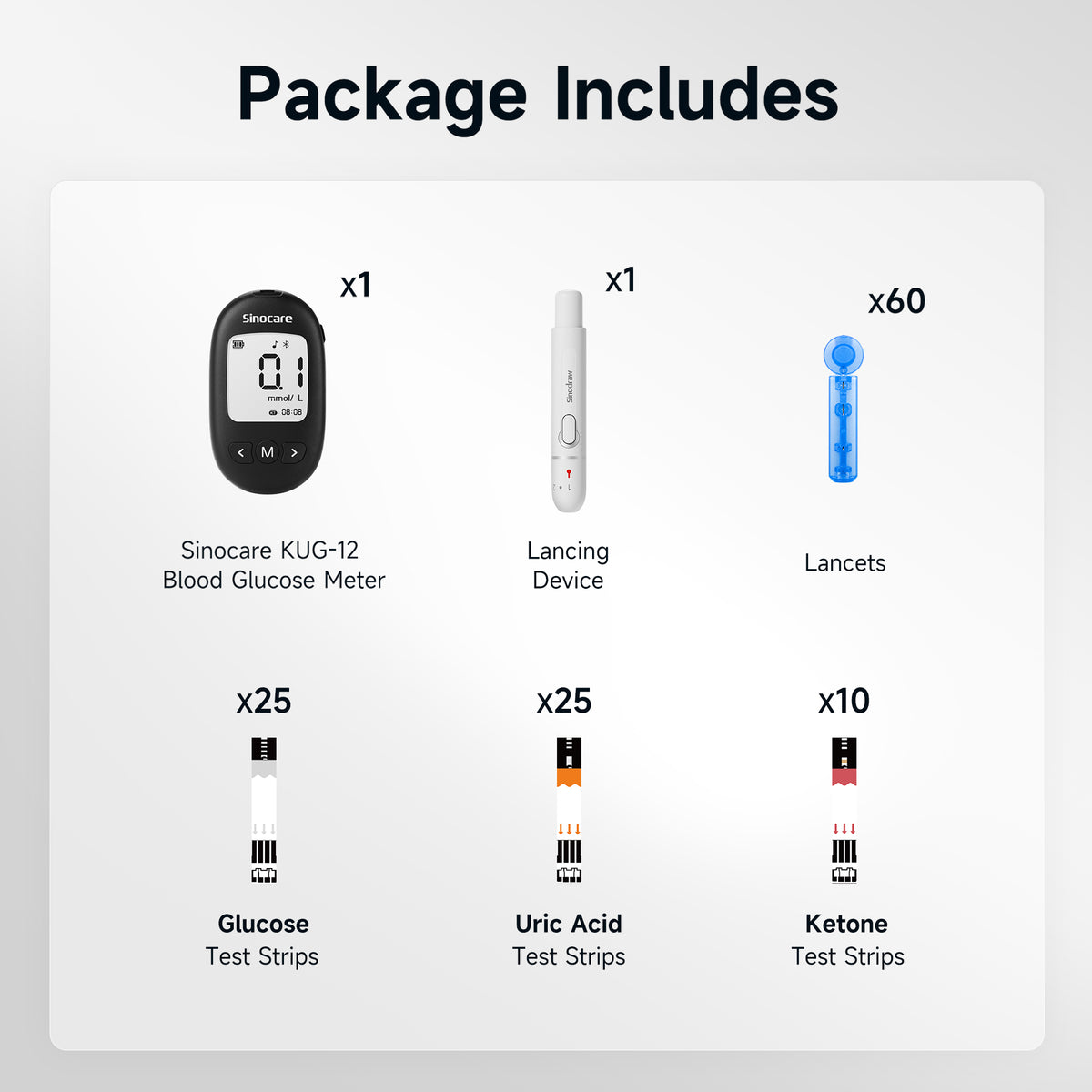
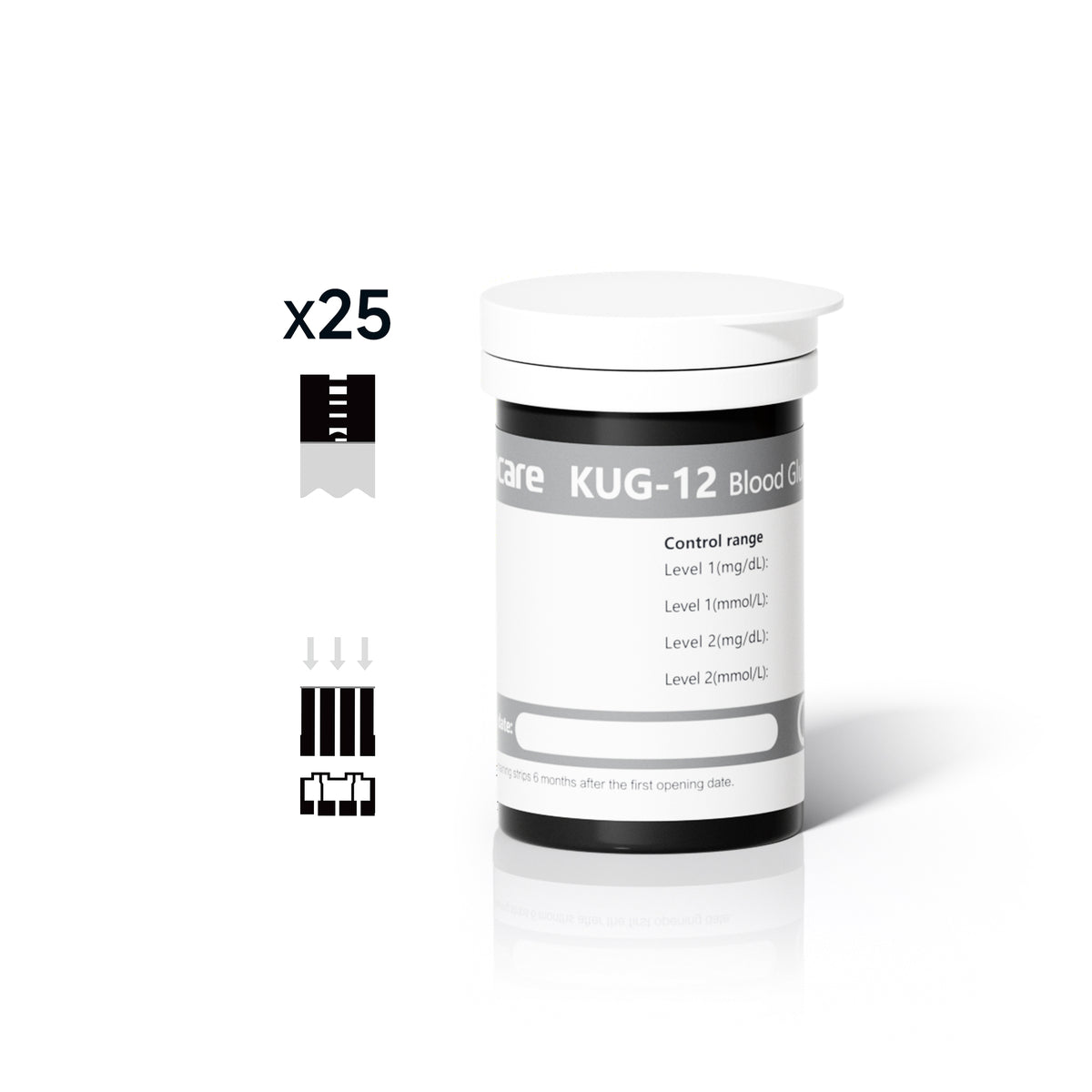
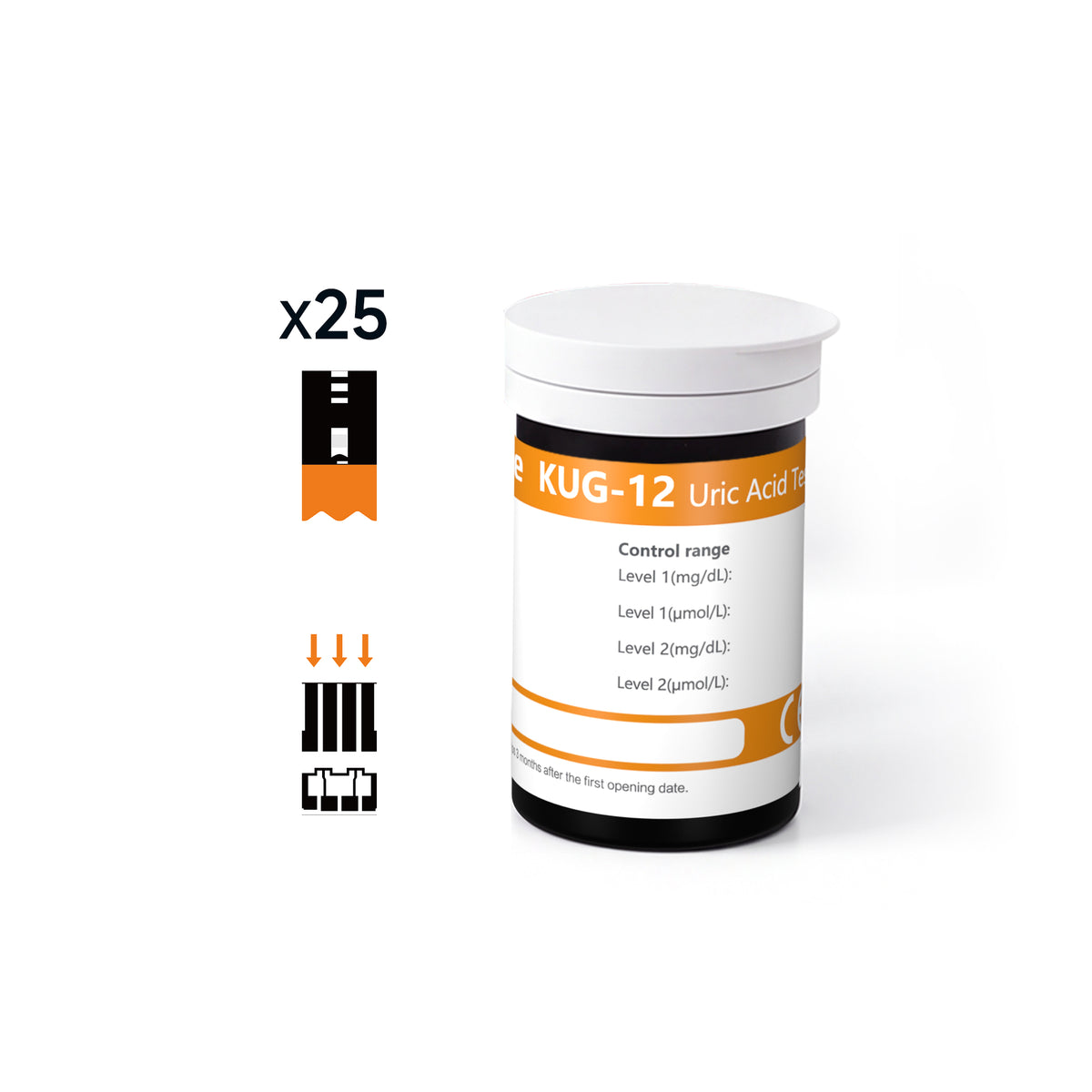
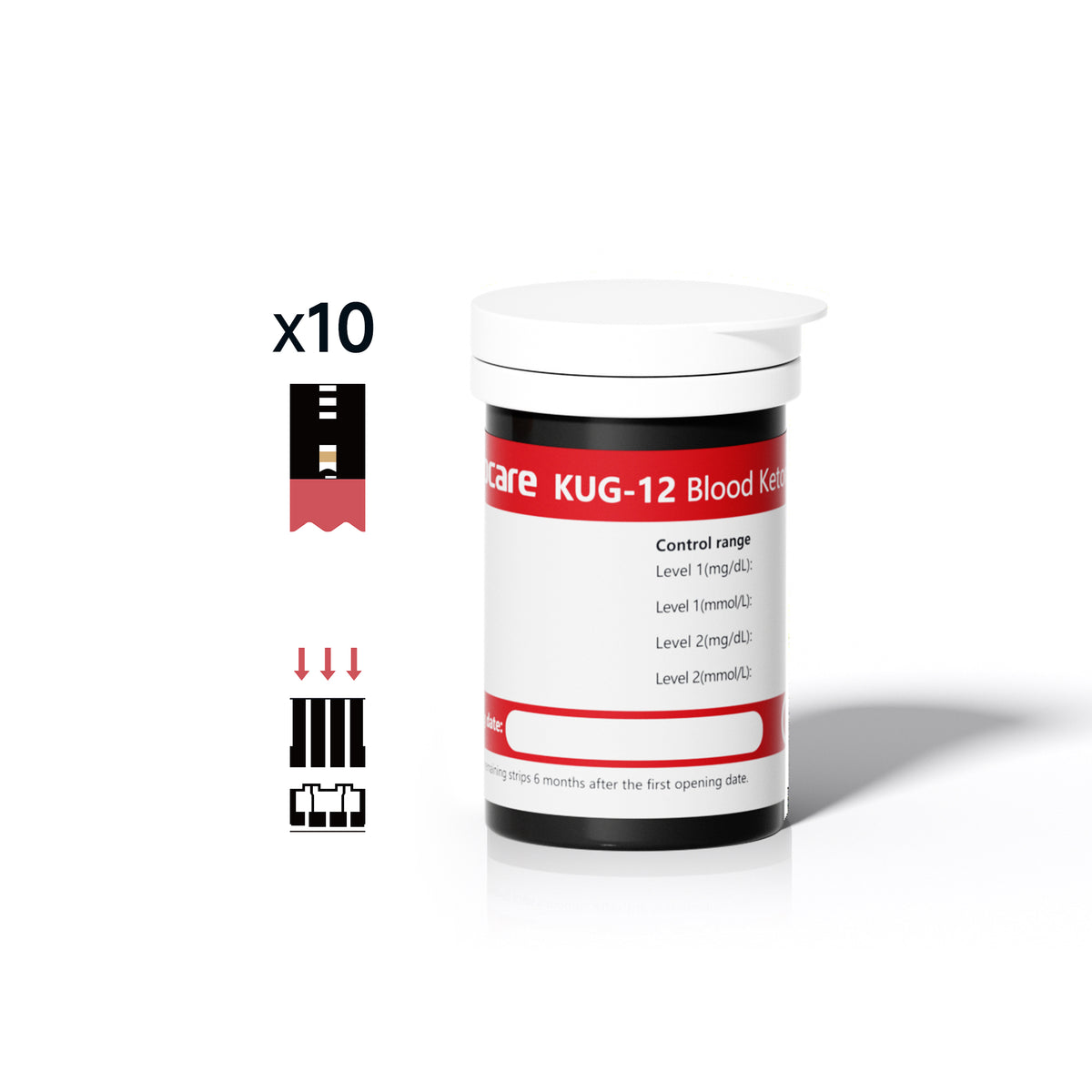
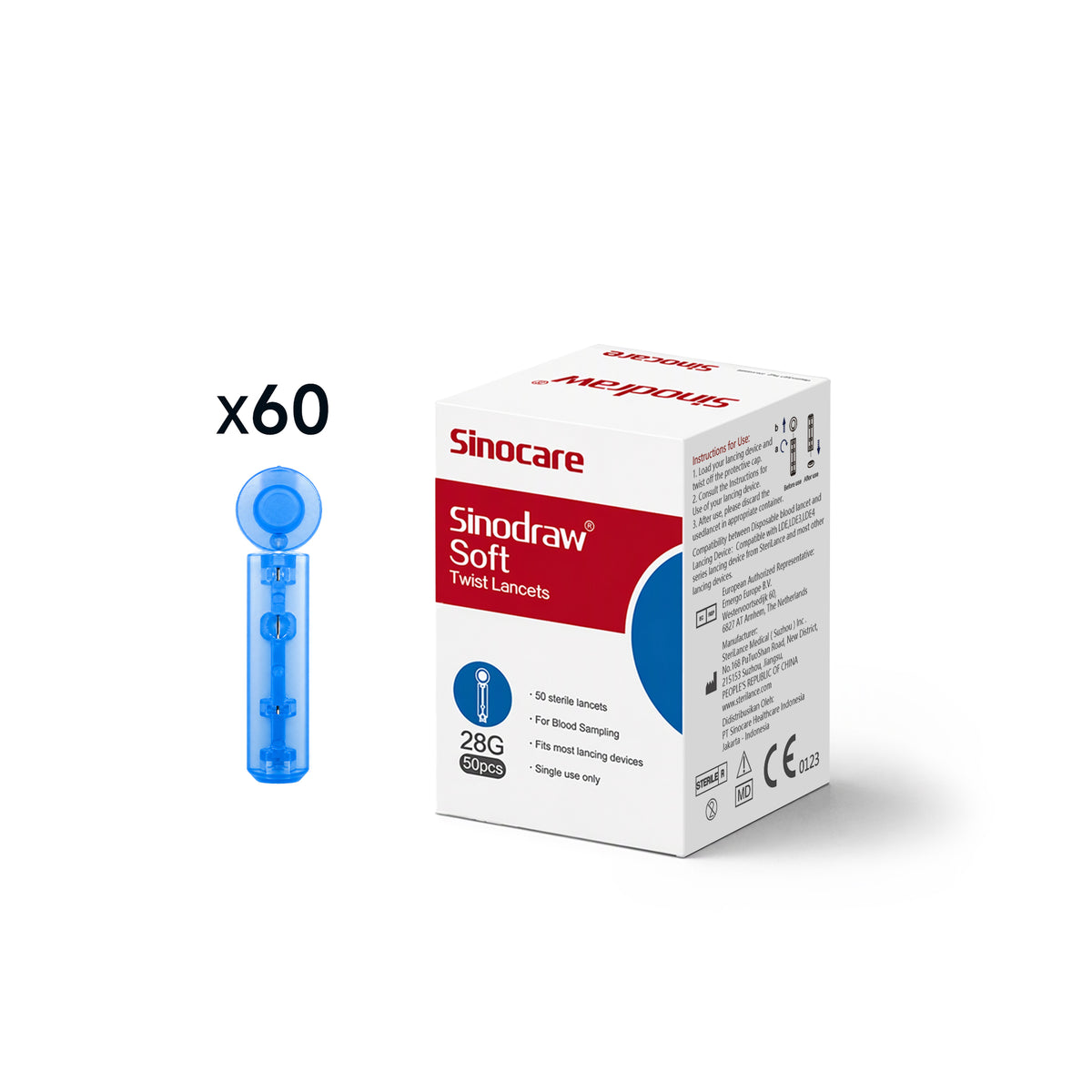
- Complete Starter Kit – Includes 25 glucose strips, 25 uric acid strips, 10 ketone strips and 60 lancets.
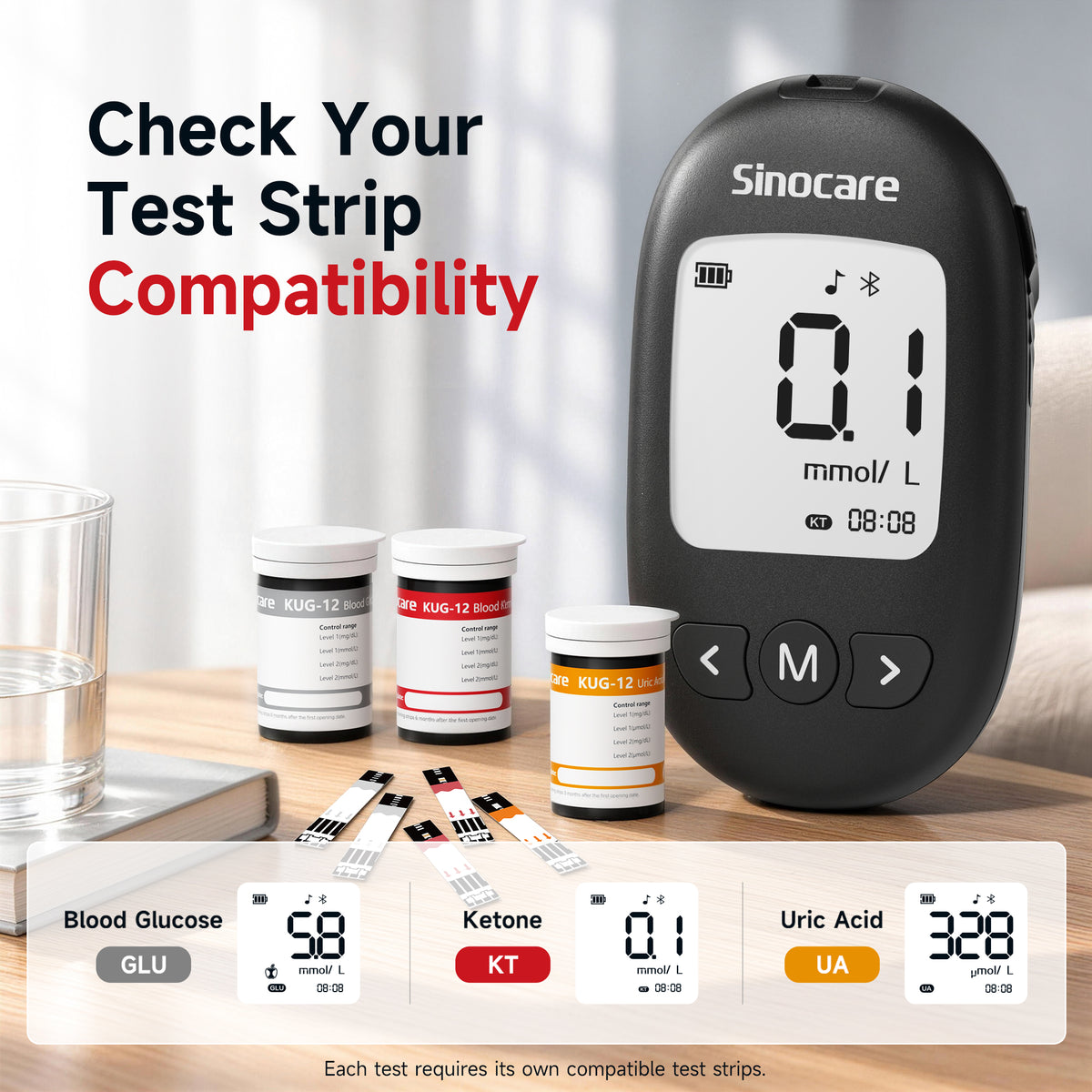
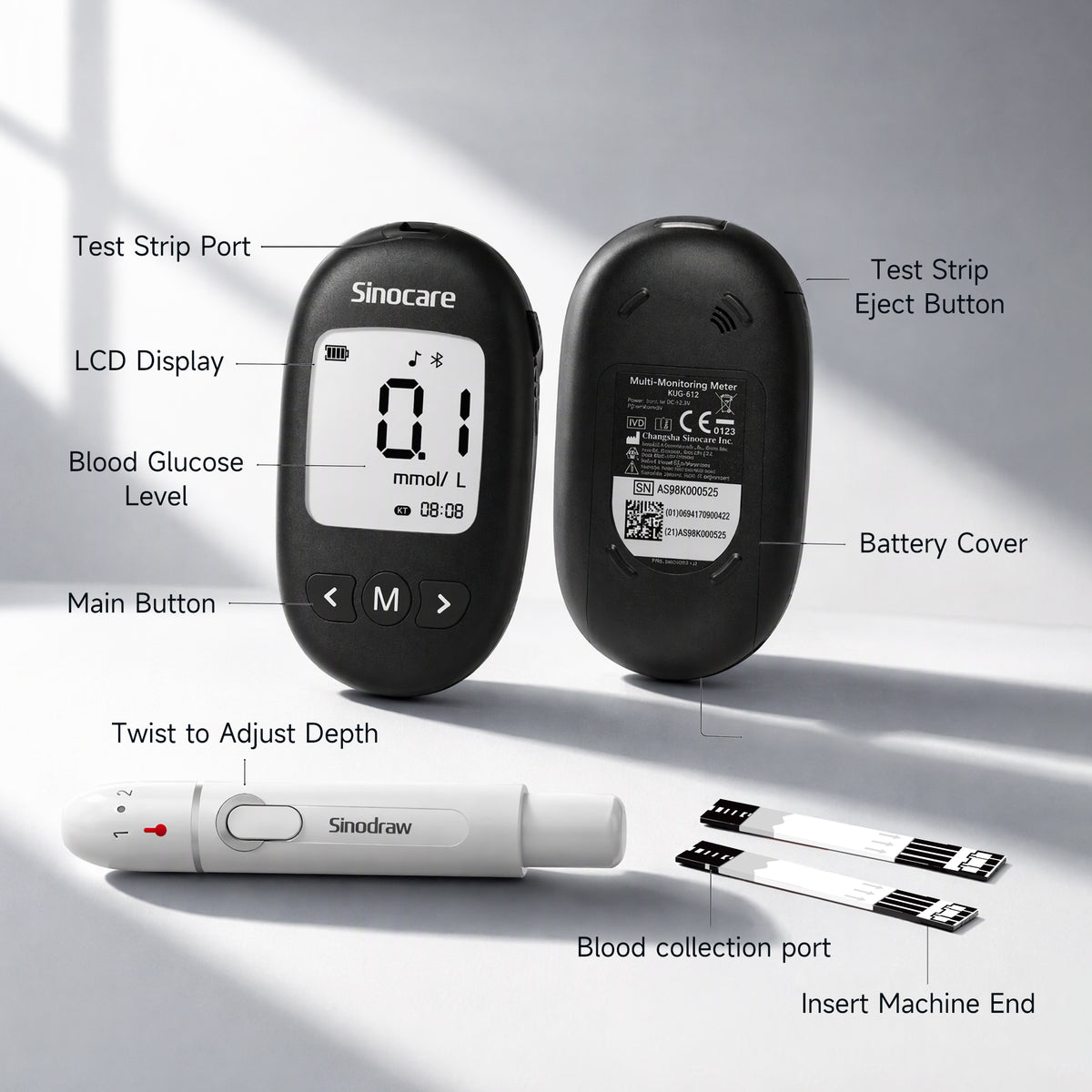
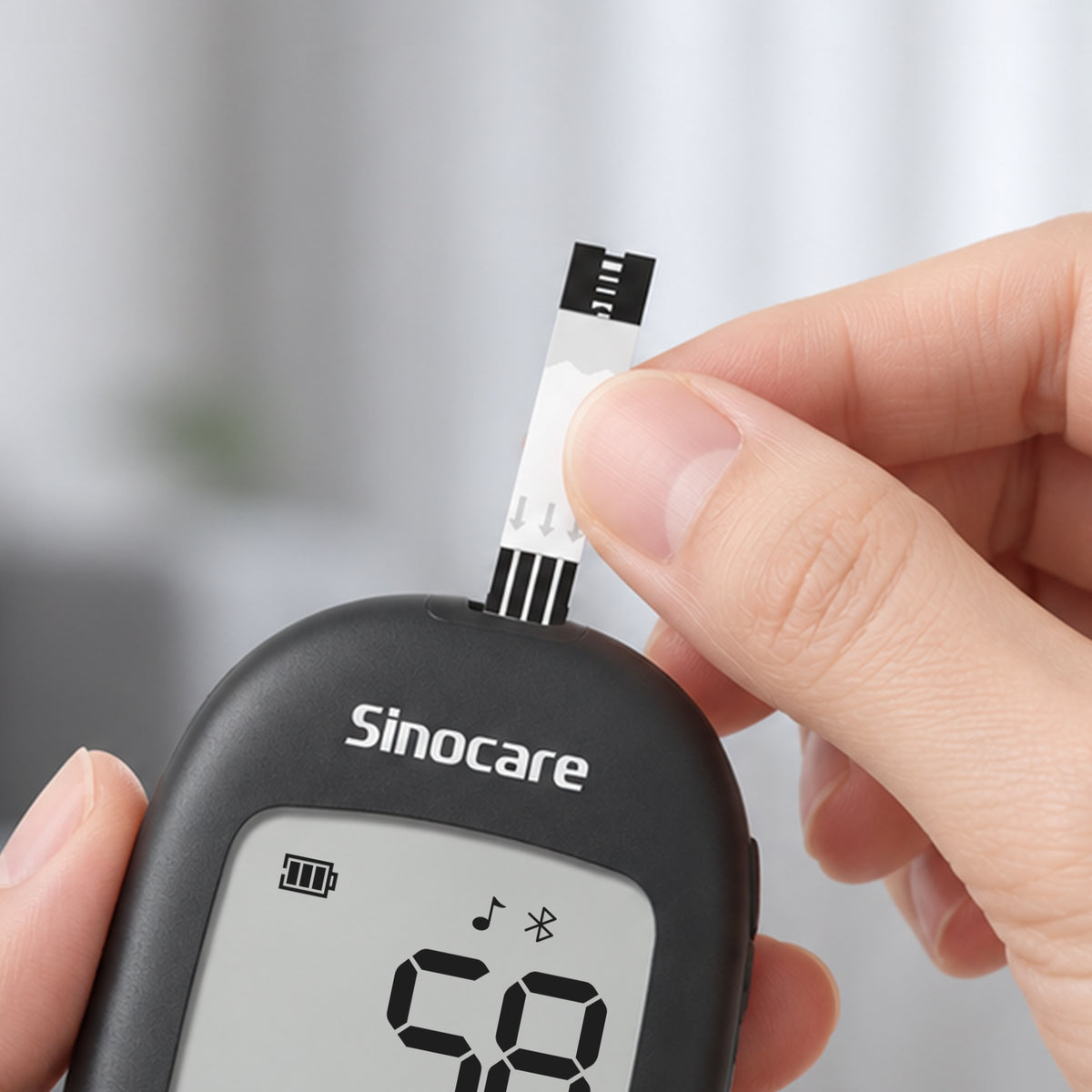
- Automatic Strip Recognition – One test port automatically identifies the strip type for three different measurements.
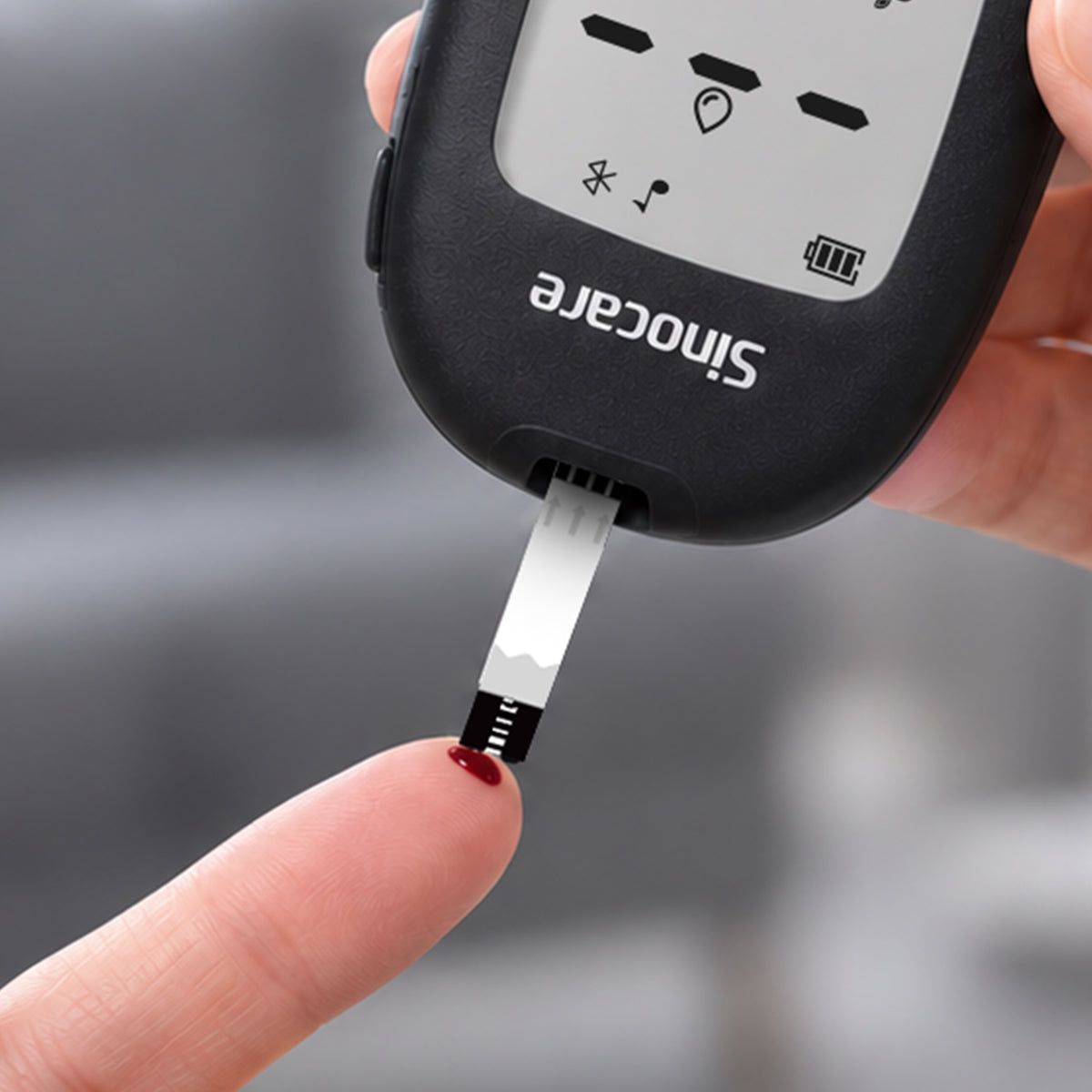
- Small Blood Sample & Fast Results – Requires 1 μL for glucose and 1.5 μL for ketone and uric acid tests. Results in 5–10 seconds.
- Compact & Portable Design– Lightweight and easy to carry for convenient testing at home, work or on the go.
Note:
- Unit is preset — it cannot be changed after purchase. Not sure which unit? See our guide.
We ship your order within 1–2 business days. This is the handling time, not the delivery time.





- Overview
- Specs
- User Guide
- FAQ
- Reviews

Simplify Your Daily
Health Monitoring
Sinocare KUG-12 monitors blood glucose,
blood ketones, and uric acid with one
multi-monitoring system.


FAQ
What Can the Sinocare KUG-12 Measure?
The Sinocare KUG-12 is a 3-in-1 blood monitoring meter that measures blood glucose, blood ketone and uric acid levels using compatible test strips.
Does the KUG-12 Kit Include a Meter and Test Strips?
Yes. The KUG-12 starter kit includes:
- 1 KUG-12 meter
- 25 blood glucose test strips
- 25 uric acid test strips
- 10 blood ketone test strips
- 60 lancets
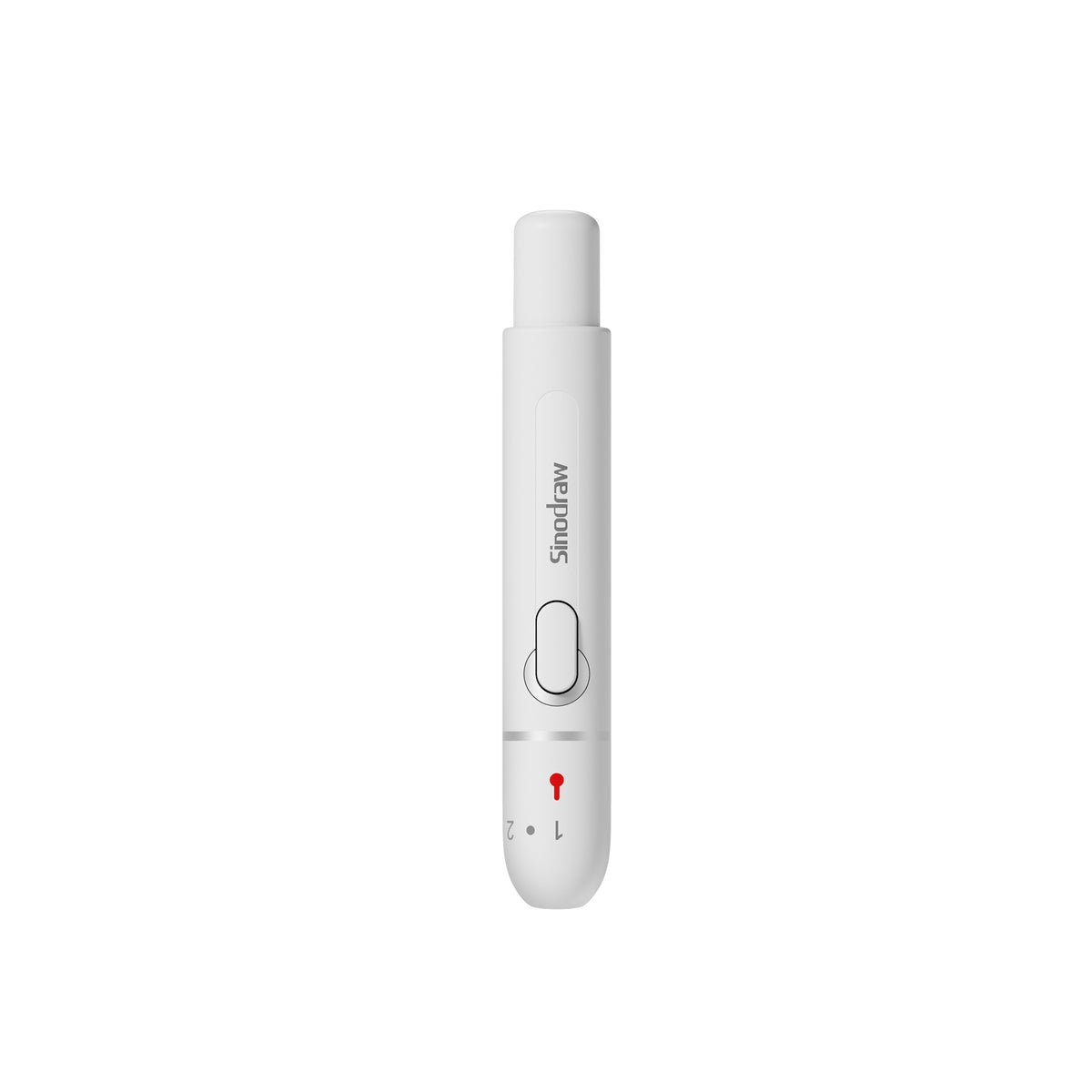
- 1 lancing device
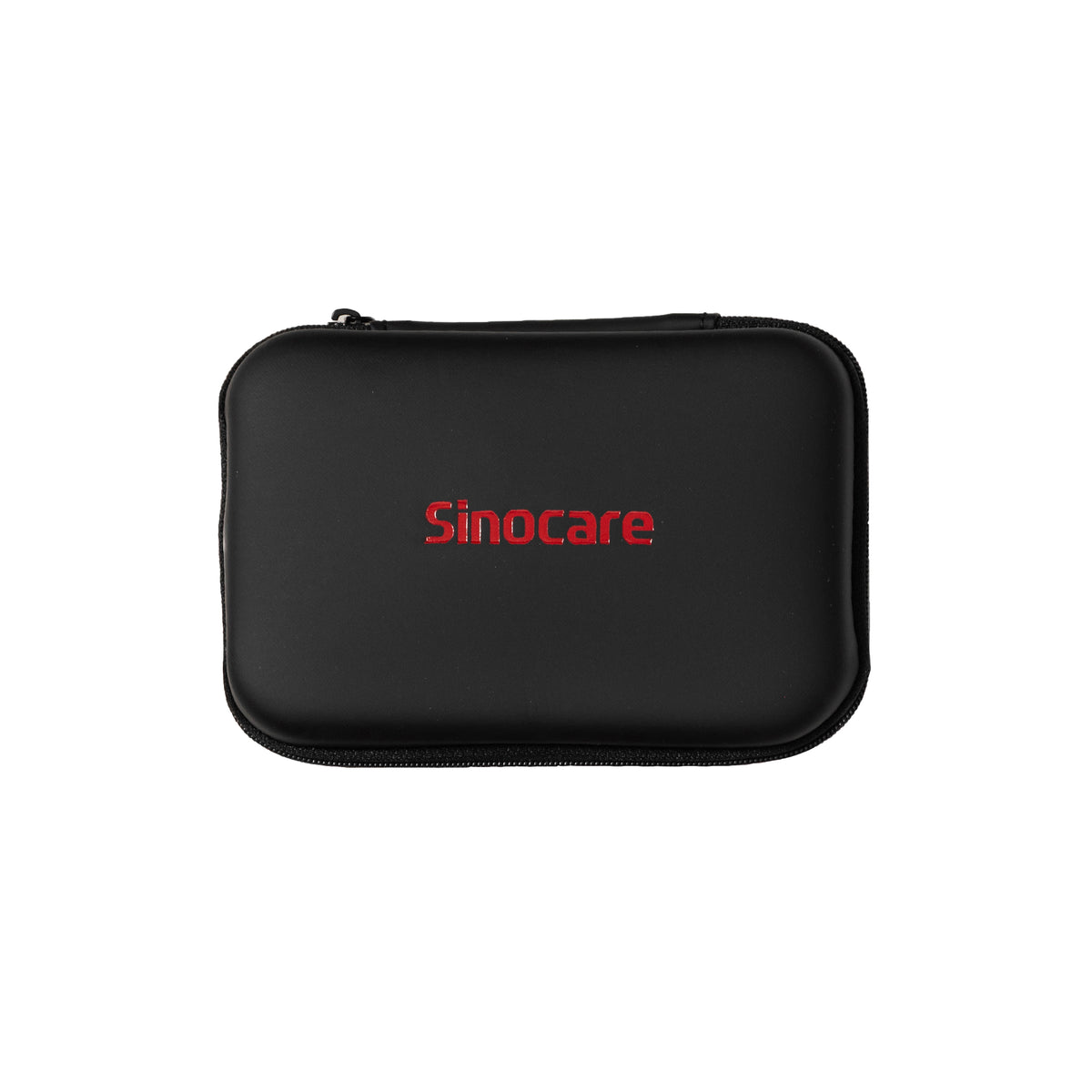
- 1 carrying bag
Can I Use the Same Test Strips for All Three Measurements?
No. Blood glucose, blood ketone and uric acid testing each require their own dedicated compatible test strips. These strips are not interchangeable.
Which test strip is suitable for the Kug-12 3-in-1 kit?
Sinocare Safe KUG-12 Blood Glucose, Uric Acid, and Ketone Test Strips. Please ensure that your glucometer machine and test strips match.
How can I download the iCan Health App for my KUG-12 meter?
The iCan Health CE version is now fully available for Android users. You can download it and connect your KUG-12 meter via Bluetooth.
For iOS users, the app is currently under its first App Store review, which may take some time. In the meantime, you can download and use the app through TestFlight:
How to Connect KUG-12 to the iCan Health App via Bluetooth
Follow the visual guide below to connect your KUG-12 meter to the iCan Health App.

- Tap “Add”
- Find Your Model – Select KUG-12 from the device list.
- Connect Device – Tap to start the connection.
- Pair & Connect – Follow the on-screen instructions.
- Tap “Pair” – Confirm the pairing request.
- Confirm Pairing – Approve the Bluetooth connection.
- Enter SN Code – Enter the last 6 digits of your device's serial number (SN).
- Complete Setup – Finish the setup and start using your device.